How to use AI to write a resume without sounding generic
A practical guide to turning an AI-generated draft into a specific, credible resume tailored to the job offer.

AI can make a resume clearer, more organized, and more professional. But if you use it without review, it can also create the opposite result: a polished resume that sounds correct but could belong to many other candidates.
The goal is not to avoid AI. The goal is to use it as an editor and assistant, not as a replacement for your experience. A strong resume must stay specific: it should show what you did, in which context, with which tools, and with what level of responsibility.
Quick test
If you remove your name from the resume and the text could belong to anyone with a similar role, AI probably made the content too generic.
Why many AI-written resumes sound the same
Many AI tools are good at making sentences smoother. The problem is that when they receive too little information, they fill the gaps with standard phrases: “results-oriented,” “strong organizational skills,” “dynamic professional,” or “high attention to detail.”
These phrases are not necessarily false. They are weak because they do not help a recruiter understand what you can actually do.
A resume should not only sound professional. It should make your contribution recognizable.
The difference is evidence. A generic sentence describes a quality. A useful sentence shows an activity, a context, or an outcome.
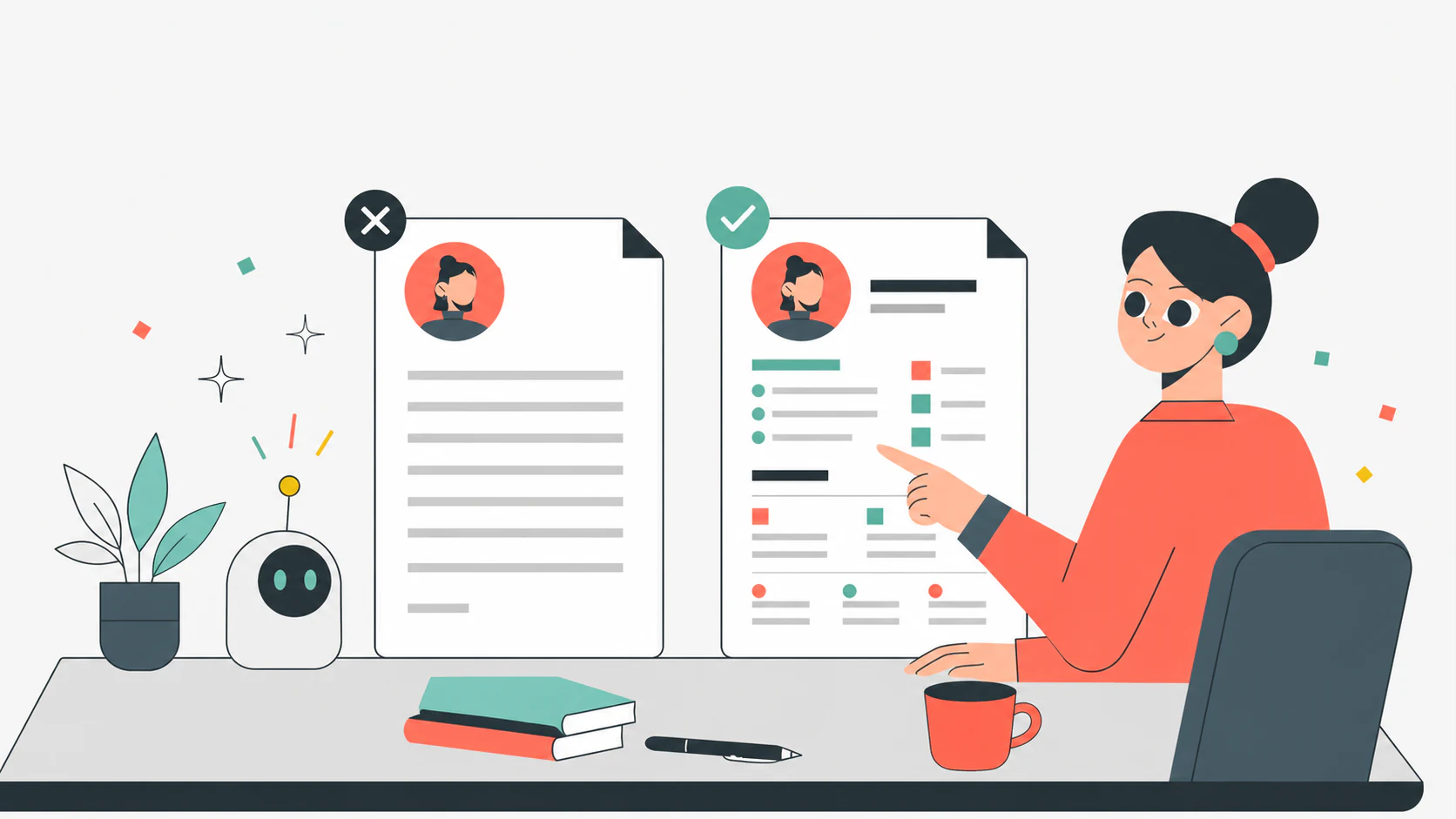
Start from a draft, not a final version
The first mistake is asking AI to “write the resume” and then pasting the result as is. It is more useful to ask AI for a draft you can review.
A good draft can help you:
- organize information;
- reduce repetition;
- make sentences easier to read;
- identify weak sections;
- adapt the tone to the role.
But the draft must be checked. Every important sentence should answer one simple question: “Is this information true, concrete, and useful for the role?”
Replace adjectives with evidence
Adjectives create an impression. Evidence creates credibility.
Before
Precise and goal-oriented professional with excellent ability to manage daily tasks.
After
Coordinated daily operations for a 6-person retail team, managing shifts, daily priorities, and weekly sales target monitoring.
The second version is not just more detailed. It is easier for a recruiter to evaluate because it shows context, team size, responsibilities, and the connection with business goals.
Give AI better information
A generic prompt almost always produces a generic resume. Before asking for a rewrite, prepare a short brief with real information.
Use this structure:
Target role: which position are you tailoring the resume for?
Relevant experience: which activities should stand out?
Context: company, industry, team, clients, tools, or processes.
Evidence: numbers, volumes, responsibilities, frequency, outcomes, or improvements.
Constraints: tone, length, words to avoid, and desired format.
A stronger prompt:
Rewrite this experience for a customer support role. Keep the tone professional but concrete. Highlight ticket management, B2B customer relationships, CRM use, and collaboration with the product team. Avoid generic phrases like “excellent communication skills.”
Verify every sentence before adding it
AI can introduce plausible details that are not accurate. It can turn “I supported the team” into “I coordinated the team,” or “I used Excel” into “I developed advanced dashboards.”
Before accepting a sentence, check three things:
- is it accurate compared with your experience?
- is it specific enough to be credible?
- is it relevant to the role you are applying for?
If a sentence fails any of these checks, rewrite it or remove it.

Tailor the resume without copying the job post
Tailoring does not mean copying the wording from the job post. It means giving more space to the experiences that best answer that role.
If the job description emphasizes data analysis, cross-functional collaboration, and stakeholder management, the resume should surface real examples in those areas. Adding those words to a skills list is not enough.
A good AI request is:
Compare this experience with the job offer and tell me which details are missing to make it more relevant. Do not invent results.
This puts AI in the right role: it should not create a story for you, but help you see what is missing.
Keep a natural voice
A resume that is too “perfect” can sound artificial. You do not need complex wording to sound professional. Often, a simple, concrete, well-ordered sentence works better.
Avoid formulas such as:
- “proven experience” without proof;
- “strong results orientation” without a result;
- “excellent communication skills” without explaining who you communicated with and why;
- “360-degree management” without clarifying responsibilities and scope.
Replace them with verifiable details: teams, clients, tools, processes, frequency, outcomes, and responsibilities.
Final checklist before sending
Before sending the resume, read it like someone with limited time.
Does the title clearly communicate the role or professional direction?
Does the opening profile include experience, context, and concrete value?
Do the most important experiences include at least one verifiable detail?
Have AI-generated sentences been checked and made specific?
Is the resume tailored to the offer without mechanically copying the job post?
AI can help you write a better resume, but the strongest content is still yours. The best result comes from combining clarity, real evidence, and editorial control: not a resume written by AI, but your experience explained better.
Want to turn these tips into a ready resume?
Use CVpop to build, review, and tailor your resume with guided sections.
Create your resume