PDF or Word resume: which file format should you send?
A practical guide to choosing between PDF and Word for your resume, with rules for job posts, ATS portals, email applications, and final checks.

The file format of your resume looks like a technical detail. It can affect two important things: how the document is read and how it looks when it reaches the recruiter.
The basic rule is simple: if the job post asks for a format, use that format. If it does not, choose based on the application channel.
Quick rule
Use PDF for direct sending and stable layout. Use Word/DOCX when the portal or employer explicitly asks for it.
The requested format wins
Before deciding, reread the job post and the application page. If you see “PDF only,” “DOCX only,” “Word format,” or “upload your resume in PDF,” do not improvise.
Many mistakes come from personal preferences: “I always send PDF,” “Word is more compatible,” “PDF looks more professional.” But if the system accepts only one format, the best choice is to follow the instruction.
When to send a PDF resume
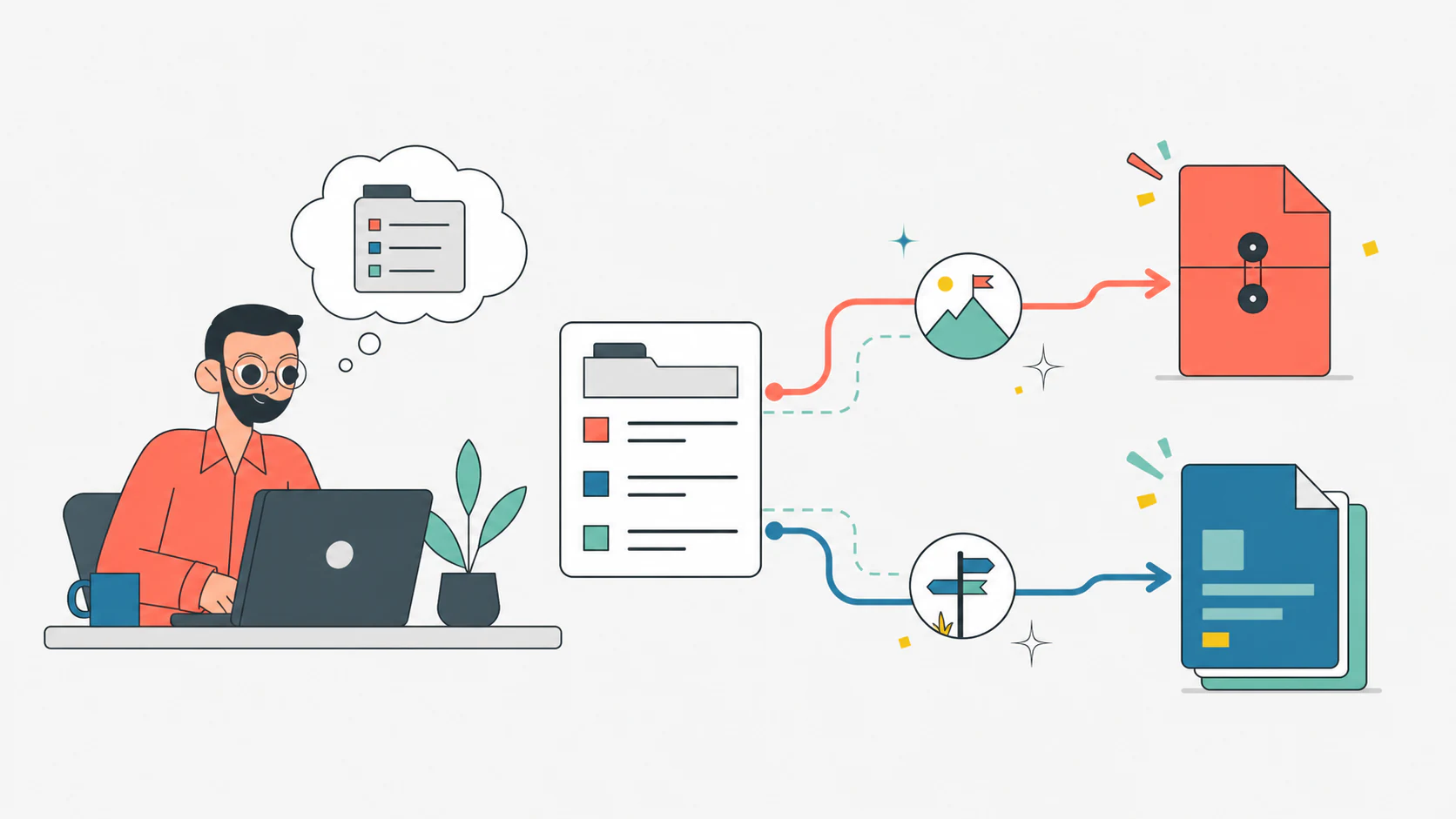
PDF is often the cleanest choice when you send the resume by email, attach it to a LinkedIn message, or upload it to a form that accepts multiple formats.
The benefit is stability: fonts, spacing, alignment, and page breaks are more predictable across devices and systems. Adobe describes PDF as a format designed to present and exchange documents reliably across hardware, software, and operating systems. That is why it is often used for final documents.
Use PDF when:
- the job post does not specify a format;
- you send the resume directly to a person;
- you want to preserve layout and spacing;
- you have clickable links to a portfolio or LinkedIn;
- the resume is final and does not need to be edited by the recipient.
When to use Word or DOCX
Word/DOCX can be useful when the portal requires it, when the employer specifies that format, or when a recruiter asks for an editable version.
It is not automatically less professional. It is just less visually stable: a Word document can change appearance if the recipient does not have the same font, software version, or settings.
Use DOCX when:
- the job post requests it;
- the application portal handles DOCX better;
- you need to send an editable version;
- the resume is simple, without heavy graphics, complex columns, or visual elements.
Microsoft explains how to save or convert Office documents to PDF/XPS. A practical habit is to keep an editable file and export a final PDF when needed.
What changes with ATS and application portals
The question “PDF or Word?” often comes from ATS anxiety. The real issue is not only the extension. It is also the resume structure.
A clean PDF with selectable text and a simple layout can be read correctly. A PDF generated as an image, full of rigid columns or graphic elements, can create problems. A DOCX with complex tables or text boxes can also be hard to parse.
If you apply through a portal:
- use the requested format;
- avoid image-only resumes;
- keep text selectable;
- do not hide information in headers, footers, or graphics;
- use clear section titles: Experience, Education, Skills;
- make sure keywords appear in text, not only in icons or images.
This is why the CVpop guide on ATS resume keywords matters more than the file extension itself: a readable file that is not targeted is still weak.

Europass: export and check the final file
The official Europass CV tool lets you create a CV from a profile or guided editor. It can be useful when you need a recognizable format in Europe, but you still need to inspect the final file.
After exporting:
- open the PDF on another device;
- check that page breaks are not awkward;
- verify that links are clickable;
- make sure the text can be selected;
- rename the file professionally.
If you are deciding between Europass and a more targeted resume, read the CVpop guide on when to use a Europass CV.
File name: do not ignore it
A good file name helps the recipient recognize and find your resume.
Better:
Marco-Rossi-Resume-Product-Manager.pdf
Worse:
resume new final final 3.pdf
Use a simple format:
- Firstname-Lastname-Resume.pdf;
- Firstname-Lastname-Resume-Role.pdf;
- Firstname-Lastname-CV.pdf if CV is the expected term in that market.
Avoid accents, unusual characters, long names, and confusing version numbers.
Mistakes to avoid
Do not send a scanned PDF as an image.
Do not use a DOCX with fragile fonts or layout.
Do not upload a different format from the one requested.
Do not leave the file name generic or messy.
Do not export without reopening the final file.
If you have recently added photos, icons, or columns, also check the guide on a photo on your resume: every visual element should remain secondary to the content.
Final checklist
Before sending the resume, check this.
Does the job post specify a file format?
Is the PDF text selectable?
Does the file open correctly on mobile and desktop?
Does the file name include your name and role or language?
Is the file small enough to upload easily?
Have you checked links, margins, and page breaks after export?
FAQ
Is PDF or Word better for a resume?
If the job post does not specify a format, PDF is often better for direct sending. Word/DOCX is better when requested by the portal or recruiter.
Can PDFs cause ATS problems?
They can if the PDF is an image or uses a very complex layout. A PDF with selectable text and simple structure is much safer.
Should I send both formats?
Only if requested. In a standard application, sending two files can create confusion.
Should I keep a Word version?
Yes. Keep an editable file for updates, then export the final version in the requested format.
The right file format will not save a weak resume. But it can prevent a strong resume from being read badly. Follow the job post first, then choose the format that makes the document stable, readable, and easy to handle.
Want to turn these tips into a ready resume?
Use CVpop to build, review, and tailor your resume with guided sections.
Create your resume